
How to Reset Your GogePayservices Password When Forgotten (Updated Guide)
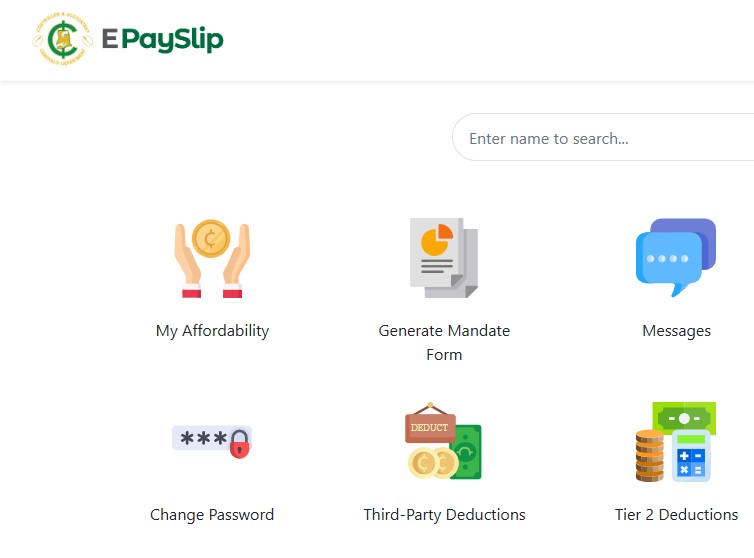
Public sector workers in Ghana now rely on two important portals for payroll and related activities: the old ePayslip portal and the new GogePayservices portal.
- The old ePayslip portal remains the most accurate source for checking affordability and handling several key self-service tasks.
- The new GogePayservices portal is primarily used for generating and downloading payslips.
OLD PORTAL GOG EPayslip Portal Monthly Check: Your Essential Guide to Reviewing Your Payslip -CAGD
NEW PORTAL GOG EPayslip Portal Monthly Check: Your Essential Guide to Reviewing Your Payslip -CAGD
If you have forgotten your password on either portal, here are the current and recommended ways to reset it.
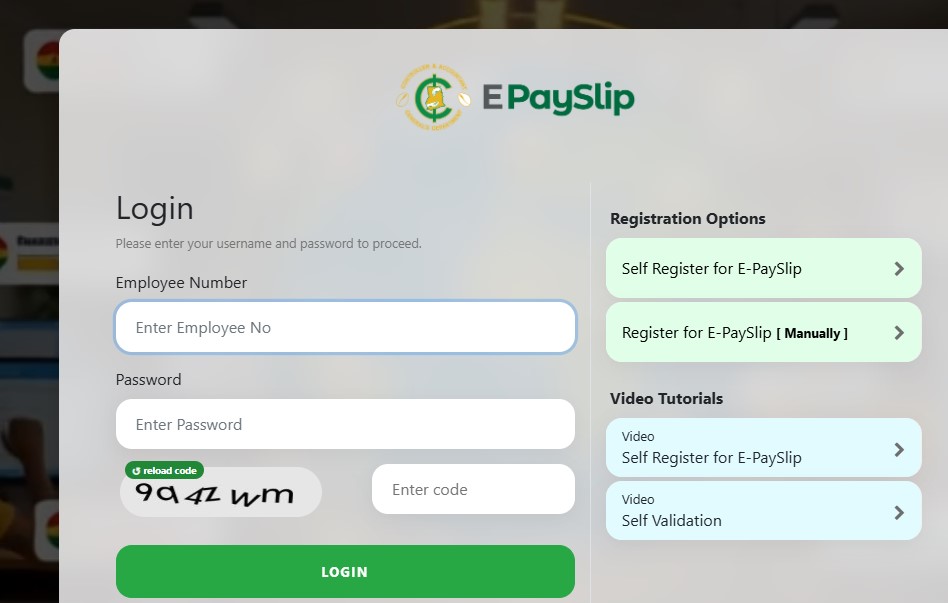
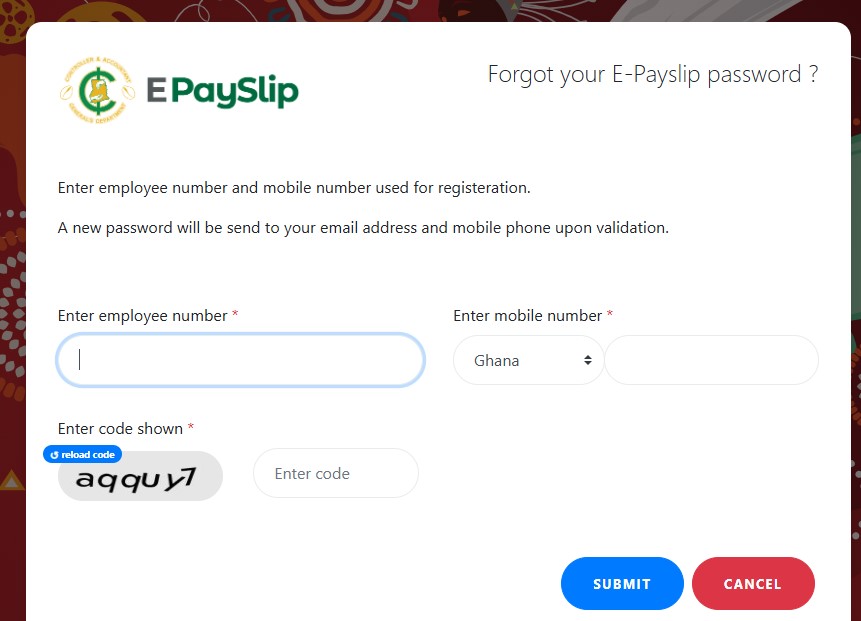
Option 1: Reset Your Password on the Old ePayslip Portal
- Go to the ePayslip portal and click Forgot Password.
- Enter your Staff ID and the telephone number you used during registration.
- Complete the captcha and submit the request.
- A reset code will be sent to both your registered mobile number and email address.Important Notes
- The code sent to your phone serves as your temporary new password. Log in with your Staff ID and this code, then immediately change it to a new password of your choice.
- SMS delivery can sometimes be delayed. Request a reset only once per day. Multiple requests on the same day may slow down or block the process.
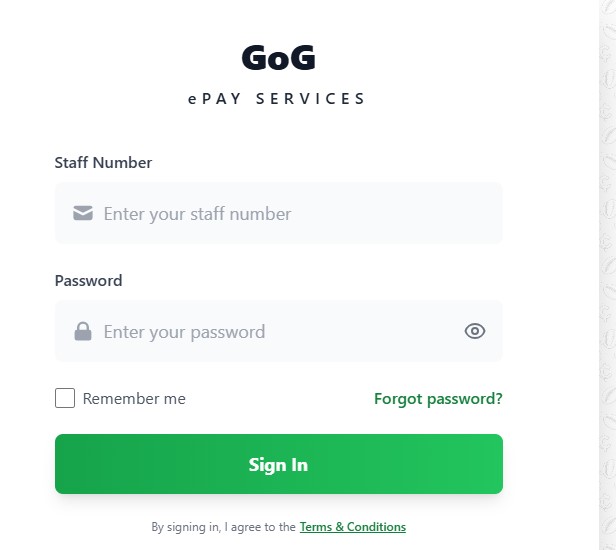
Option 2: Reset Your Password on the New GogePayservices Portal
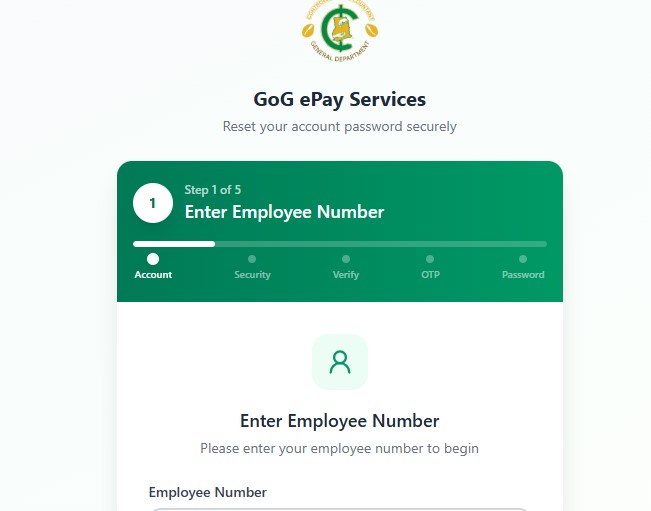
- Visit the new GogePayservices portal and select Forgotten Password.
- Enter your Staff ID and continue.
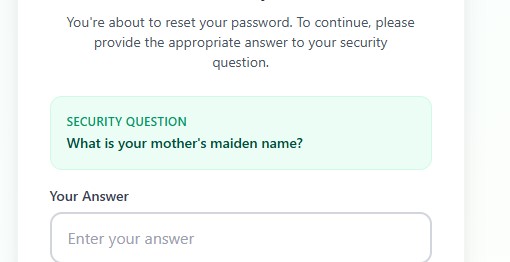
- Answer your security question.
⚠️ Caution
Multiple incorrect answers to the security question can lock your account.
What If You Have Forgotten Your Security Question?
You can use your:
- Date of birth
- Date hired
Make sure these details are entered exactly as they appear on your bio-data page, rather than the date shown on your appointment letter.
AND
Option 3: Visit Your Regional Controller
You can visit the Regional Controller’s office in your region for assistance.
You should:
- Go to the appropriate Regional Controller’s office.
- Provide your Staff ID.
- Be present in person for verification.
The responsible officer can assist you with resetting your password.

Option 4: Submit a Formal Letter Request
Another option is to write a formal letter to the Director of Payroll requesting a password reset.
Your Head of Department (HOD) or Unit should attach a covering letter to the request.
Submit the documents through the appropriate official channel for processing.
Quick Tips for a Successful Password Reset
- Always use the exact mobile number and personal details registered on the system.
- Avoid making multiple password-reset attempts in one day.
- After successfully resetting your password, change it immediately.
- Keep your new password secure and do not share it with others.
- If you continue to experience problems after trying the options above, contact your regional payroll office for further assistance.
Forgetting your GogePayservices or ePayslip password does not necessarily mean you have to create a new account. Depending on the portal you are using, you can reset your password online, use your security information, visit your Regional Controller, or submit a formal request through the appropriate payroll channel.
Stay updated with Seekers Consult 247 for clear and practical guides to help public sector workers navigate Ghana’s payroll and related systems smoothly.
HOME
Seekers Connect……Connecting you with everything you need.
… 055 041 4552
LOAN FOR GOVERNMENT WORKERS – LOW AFFORD DEDUCTIONS
PAYOFF LOANS
. Transcript (UCC, UG, KNUST, UEW, UDS, ETC)
. English Proficiency (UCC, UG, KNUST, UEW, UDS ETC)
. Reference letter/ introductory letter
. Course module descriptors
. Transcript Evaluation (WES, SPANTRAN, QECO, MNACE, CES ETC)
. Certificate Evaluation
Share, send, and connect it with someone
Still Seekers: 055 041 4552
PROJECT WORK ASSISTANCE
AFFIDAVIT/ GAZETTE
BIRTH / BUSINESS CERTIFICATE APPLICATION
ERRANDS SERVICES AND MORE
About The Author